Up to 50 people, at once, in five languages

Everyonespeakstheirownlanguage.Everyonehearstheirown.

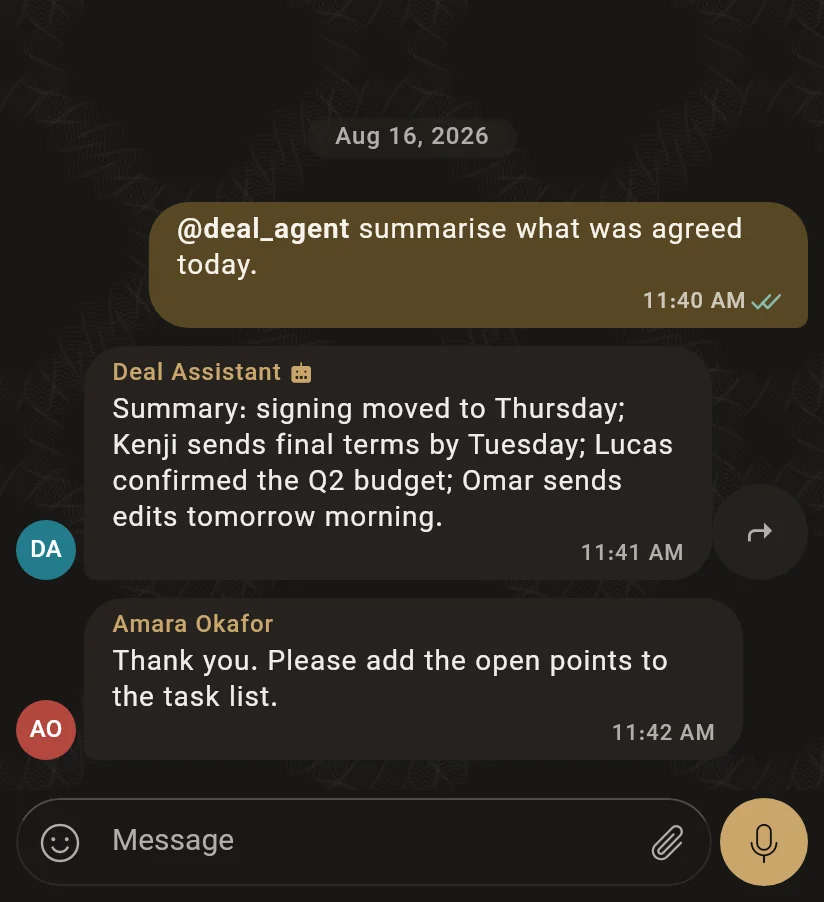
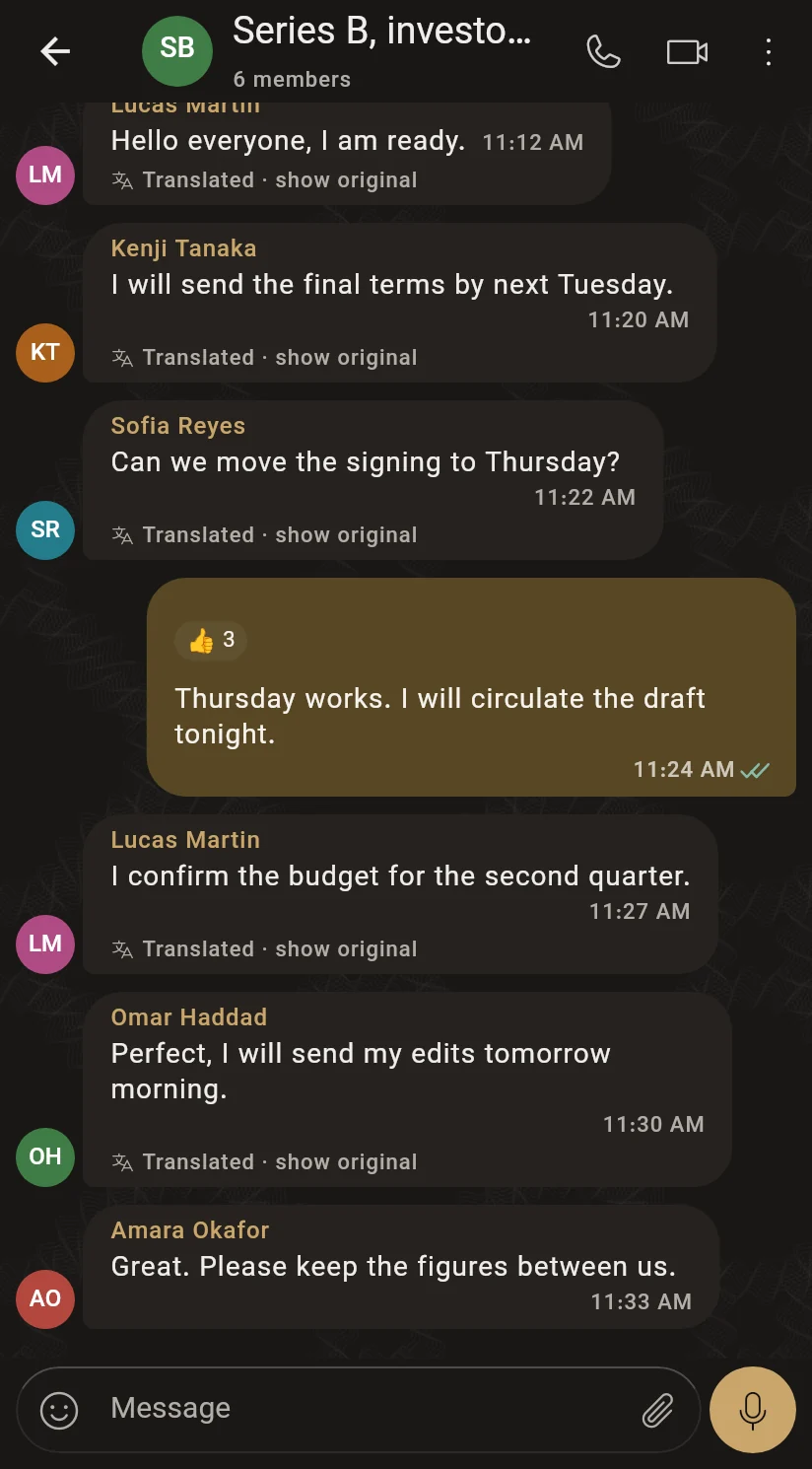
A meeting with no interpreter, and no need for one. You speak German, the person across the table hears Japanese, and a third reads Arabic — at the same time, in the same room.

ZH我们的报价基于四千二百万的估值。

Illustration of a meeting: one speaker, three listeners.

In the app

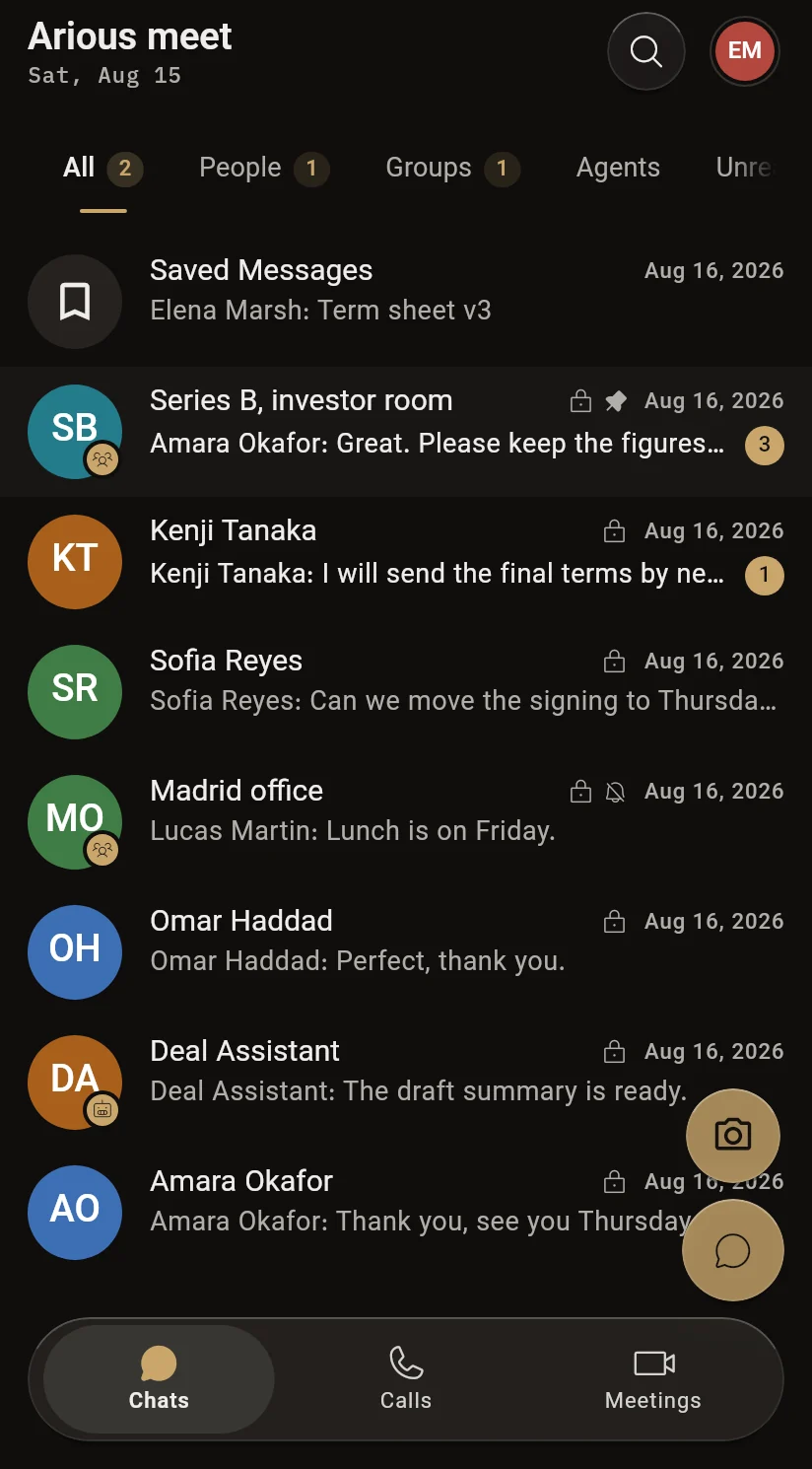
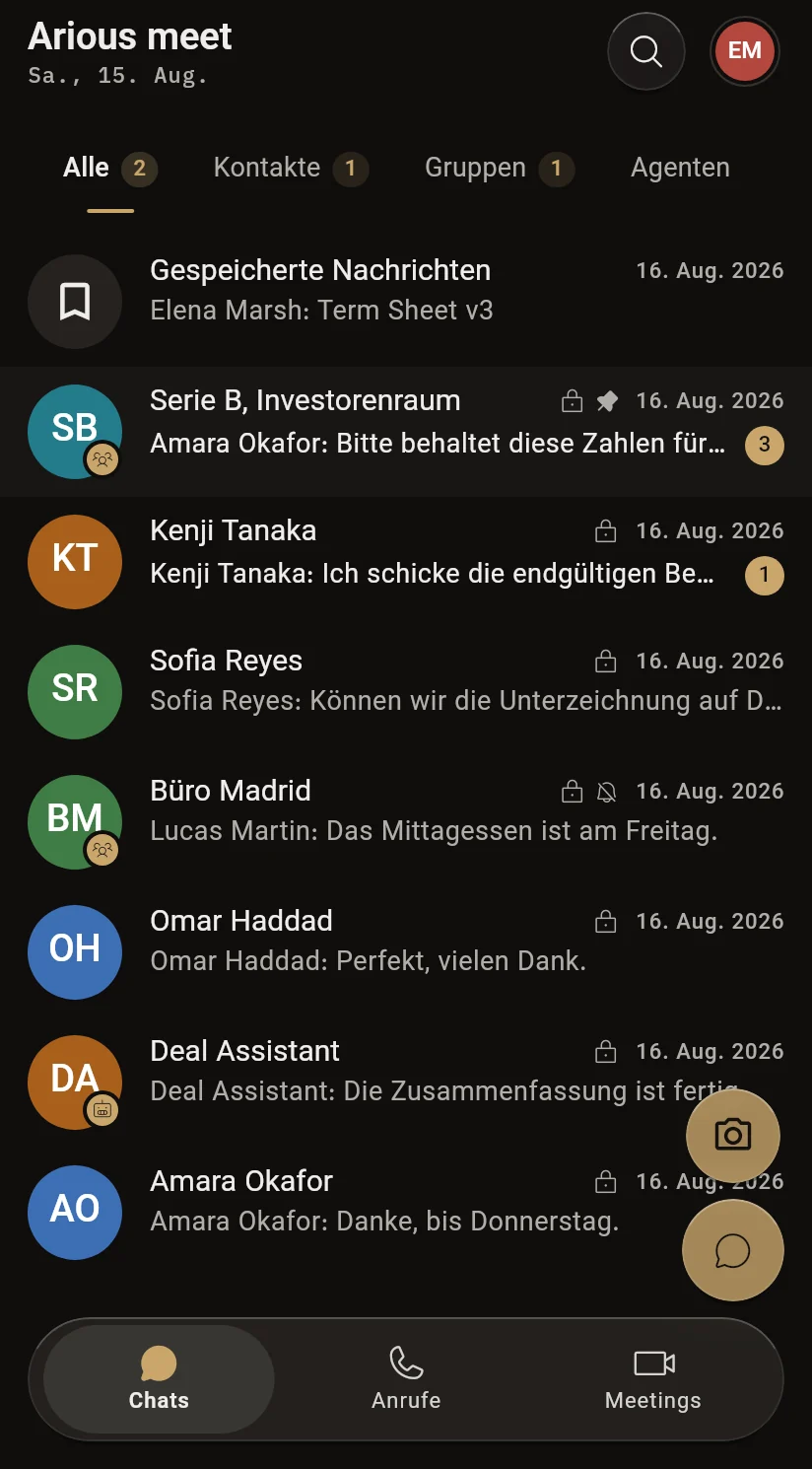
29 languages, from the first screen

The whole app — every button, every setting — speaks your language, not only the meetings.

The delivery line

The delay, as something you can see

  1. Step 1

    A sentence is spoken

    Here in Portuguese — recognised from the voice, never picked from a list.

  2. Step 2

    Translation branches

    One spoken sentence goes at once to every language that has a listener in the room — not one of them, all of them.

  3. Step 3

    Every listener chooses

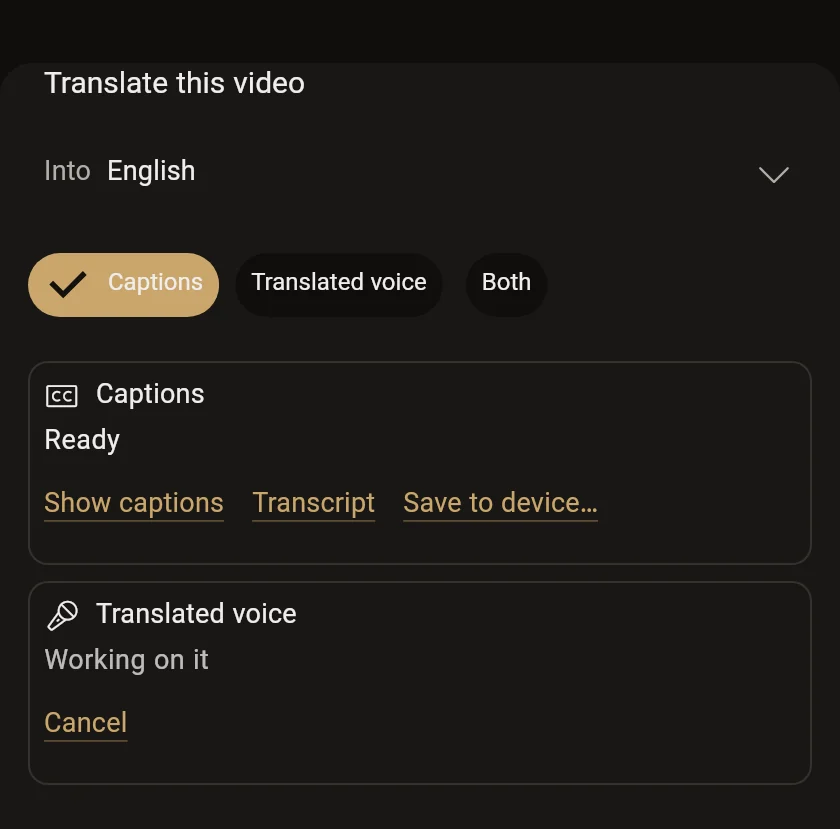
    Subtitles, translated voice, or both — per speaker, and changeable at any moment of the meeting.

  4. Step 4

    The speaker sees how far they got

    A brass hairline under the words, showing how much has reached everybody. We do not remove the delay; we make it visible.
Compared

A meeting built for it, not captions bolted on

Captions added to a meeting app

Arious Meet

One caption stream, in one language, for everybody

Each listener reads or hears their own language

Each person’s translation is a job of its own

One translation per language, however many are listening

The speaker cannot tell what has arrived

A brass line shows how far the sentence got

Captions sit in the path of the call

Translation runs beside the call, never in front of your voice

Beyond the meeting

One app for the conversation around it

All features

Security and privacy

Built so that a failure stays small

  • Translation never sits in the path of your voice

    Audio and video travel on one route; translation listens on another. If a translation service slows down or stops, the meeting carries on and only the subtitles pause.

  • Audio is not kept

    The voice is held in memory, sent to be transcribed, and discarded. Nothing is written to disk unless the speaker has explicitly turned recording on.

  • Keys stay on the server

    Speech recognition, translation and speech synthesis are called from our servers only. The app never talks to those providers, and no provider key is ever shipped in it.

  • Notifications carry no content

    “Your meeting has started” can be a notification. What was said, or its translation, never is — it does not leave our systems in a push message.

Read how it works

How to start

Three steps, none of which is a setting

  1. 01

    Start a meeting

    You get a code; you send the code. Nothing to configure first.

  2. 02

    Everyone picks their language

    The only question anybody is asked on the way in. Nobody is asked what language they speak — that is heard, not filled in.

  3. 03

    Talk

    Everybody else reads or hears it in their own, as you go.

people in one meeting
50
languages in the app
29
from sentence to subtitle
~2.2s
interpreters to book
0

Download

Take it with you

The same account and the same meetings on every device.

Android

The installer for phones and tablets.

Download for AndroidAPK · arm64
Scan to install on Android

Point a phone camera at the code. It opens the same installer as the button.

In the browser

Nothing to install. Open it and join.

Use it in the browserweb.ariousmeet.com

Windows

An installer for Windows 10 and 11, with a Start menu entry and automatic updates.

x86-64 · .exe

Linux

Packages for Debian and Ubuntu, Fedora, and a plain archive.

x86-64

iOS

Coming soon.

Coming soon

Opening the APK on Android asks you to allow installs from your browser once. That is Android’s own prompt.

Questions

Before you ask

Do guests need an account?

No. A guest gives a name and a meeting code and can join. Creating a meeting needs an approved account.

Which language do I speak in?

Yours. You are asked only which language you want to read or hear. The language being spoken is recognised from the voice, not filled in.

How many languages can one meeting hold?

Up to fifty people and five languages at once. Translation is done once per language, not once per person, so a crowded room is no slower than a small one.

Is my voice recorded?

No, unless the speaker turns recording on. Otherwise audio is held in memory only long enough to be transcribed.

What if translation stops working?

The meeting does not. Voice and video run on a separate path, so only the subtitles pause until translation is back.

Is there an iPhone version?

It is coming soon. Until then the browser version works on iPhone.

Hold the meeting in your own language.

The other side holds theirs. Nobody waits for a turn, and nobody is the one person in the room working in a second language.